Short answer. An off-the-shelf booking tool works when everything books the same way. When each service has its own rules and your team works across several apps at once, your own system keeps bookings, payments and the day’s operations in one place.
When an off-the-shelf tool is enough
If you sell one type of appointment, at a fixed price, on one calendar, you don’t need a custom system. A booking tool that works with your website will do.
Five signs it falls short
1. Every service books differently
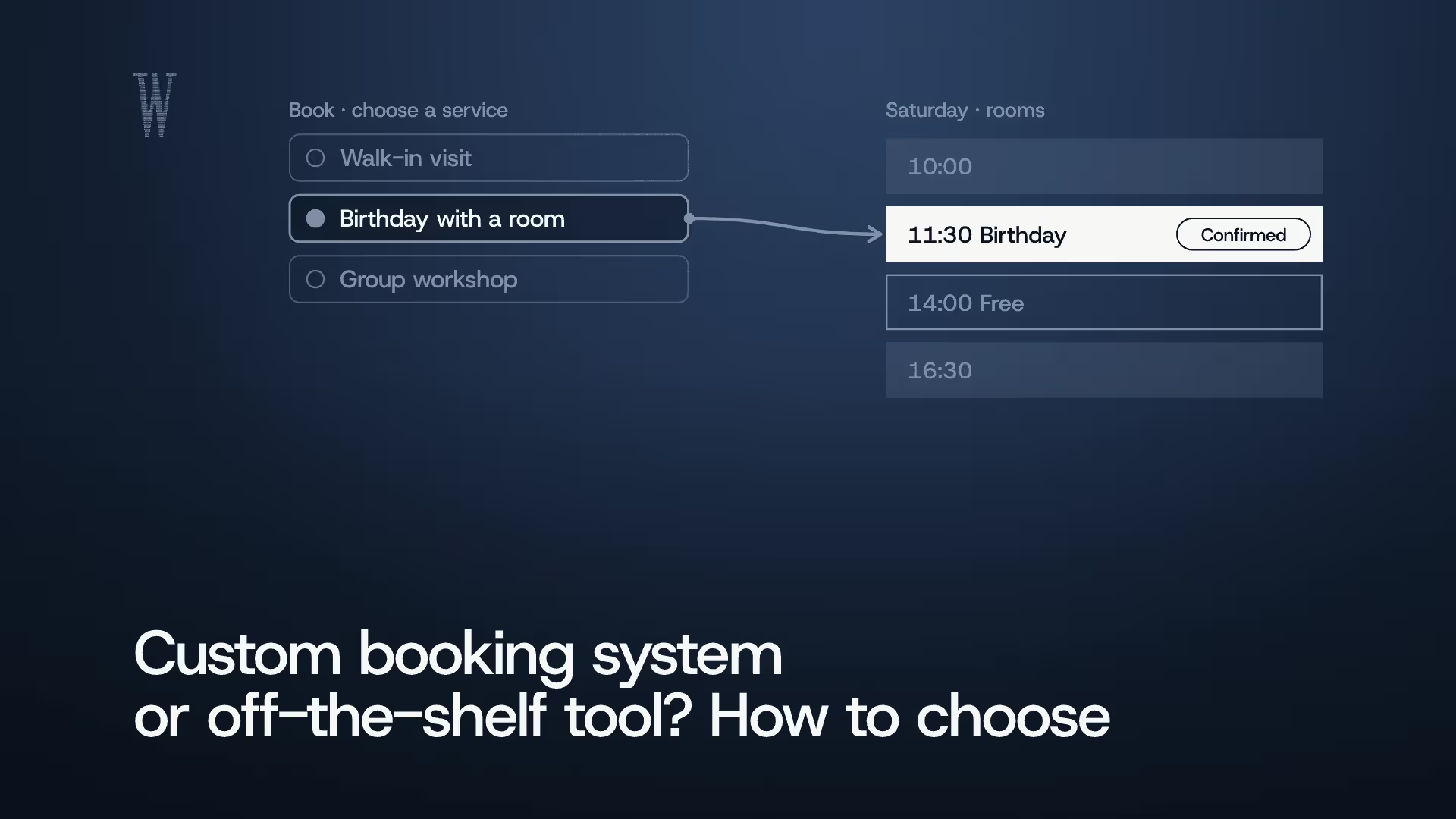
The tool forces them all into the same form, or makes you use a separate tool for each.
2. The price depends on several variables
If customers can’t see the price while they choose, they write to ask or they leave.
3. The booking doesn’t end at confirmation
If check-in, front desk payments and coupons live outside the system, someone reconciles them by hand every day.
4. Your team jumps between apps
Every switch means data copied by hand and another chance for a mistake.
5. The experience doesn’t sound like your business
Screens in one language, steps you can’t change and a brand that isn’t yours.
With one sign, connecting your tools properly is sometimes enough. When several show up together, it’s worth looking at your own system.
Your own system in practice. The Zim y Züm case
Zim y Züm is a play café for families in Lima, with free play, workshops, birthdays and memberships. Each service is booked differently, and the team keeps bookings, events and payments in order every day.
Working with Surgente Studio, who designed the interface, we defined the product and built all of it.
Each service with its own booking flow
Families book free play by choosing duration, date, start time and number of children, and the estimated price updates as they go. Birthdays are built step by step, with date, time slot, extras and terms. Workshops and events have registration and a waitlist.
Families with their own accounts
Memberships, visit packages and family accounts, with online card payments.
The team in one back office
The back office brings together bookings, events, memberships, coupons and payments. The front desk has its own point of sale, where staff check in each family and see the slots blocked for a birthday.
A bilingual site the team edits
The public site is in Spanish and English, and the team updates its content from a content manager. We keep supporting it and adding improvements.
What to define before you build, starting with how the business runs today
- Which services are booked, and the rules for each one.
- What happens after the booking, from payment to check-in.
- Who on the team uses the system, and for what.
- Which tools it needs to connect to, like payments or accounting.
With those answers, we know whether a custom system makes sense or something simpler will do.
If you need a single inquiry and booking flow connected to your calendar, see the Inquiry & Booking System. If you have several processes, user roles or a point of sale, like Zim y Züm, the path is a Custom System.
Tell us how your customers book today
FAQ
Does a custom system replace the payment tool?
No. The system connects to a payment gateway to take card payments. What we build custom is everything that happens before and after the charge.
Can I start with an off-the-shelf tool and move to my own system later?
Yes, and it’s often the sensible path. What you learn with the tool helps define what the system needs to do.
Can the team update the website content on its own?
Yes, if it’s built that way from the start. At Zim y Züm, the public site is edited from a content manager.